> For the complete documentation index, see [llms.txt](https://docs.antares.id/llms.txt). Markdown versions of documentation pages are available by appending `.md` to page URLs; this page is available as [Markdown](https://docs.antares.id/en/subscription-and-payment/connectivity/how-to-purchase-a-connectivity-subscription/payment-using-antares-coins.md).
# Payment Using Antares Coins
### Payment Procedure Using Antares Coins
1. Make sure you have topped up Antares Coins
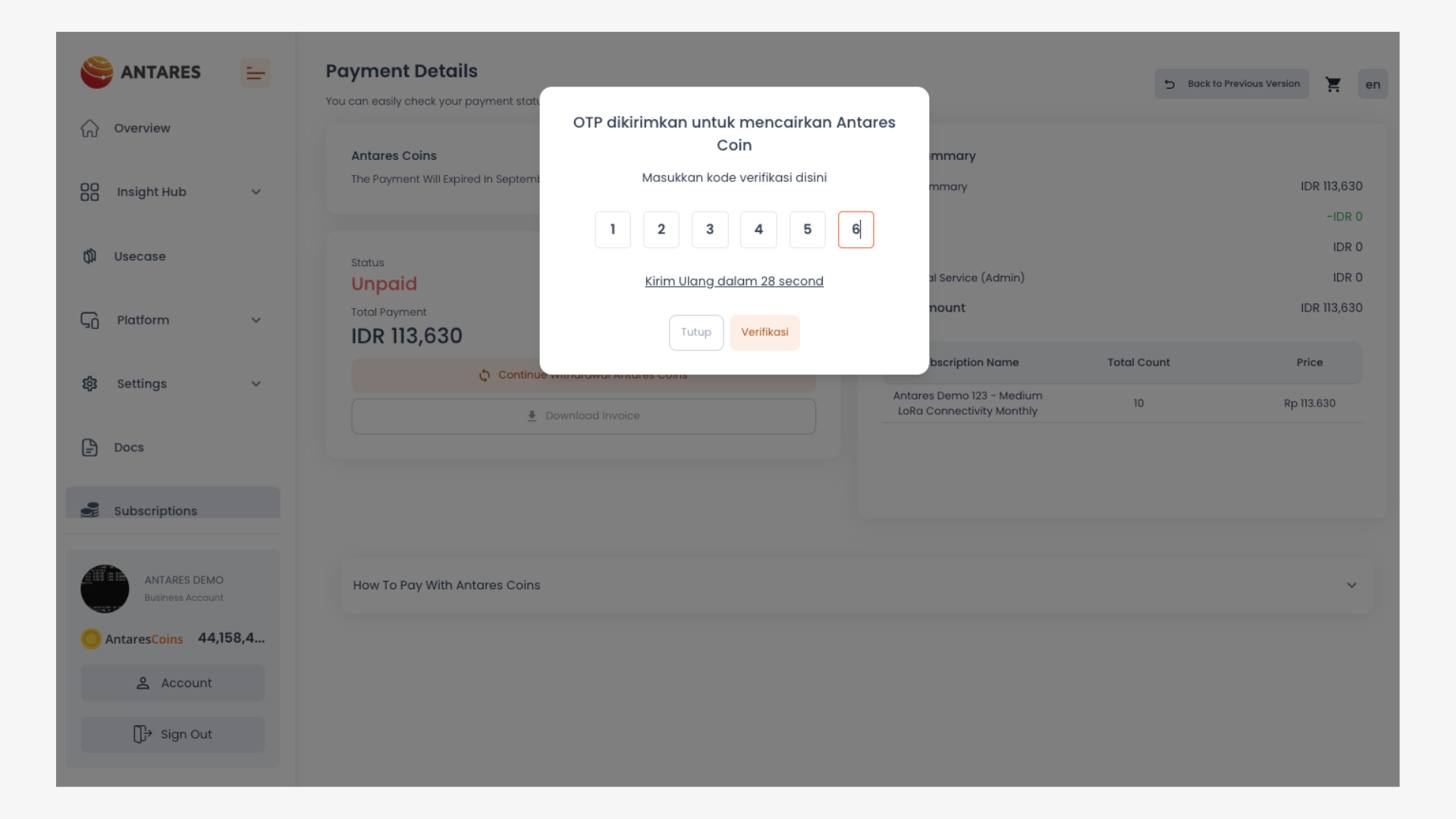
2. On the payment page, click "Proceed Withdrawal with Antares Coin" to send an OTP code to your Antares-registered email
3. Enter the OTP code sent to your email Click "Send Code" to verify the OTP code
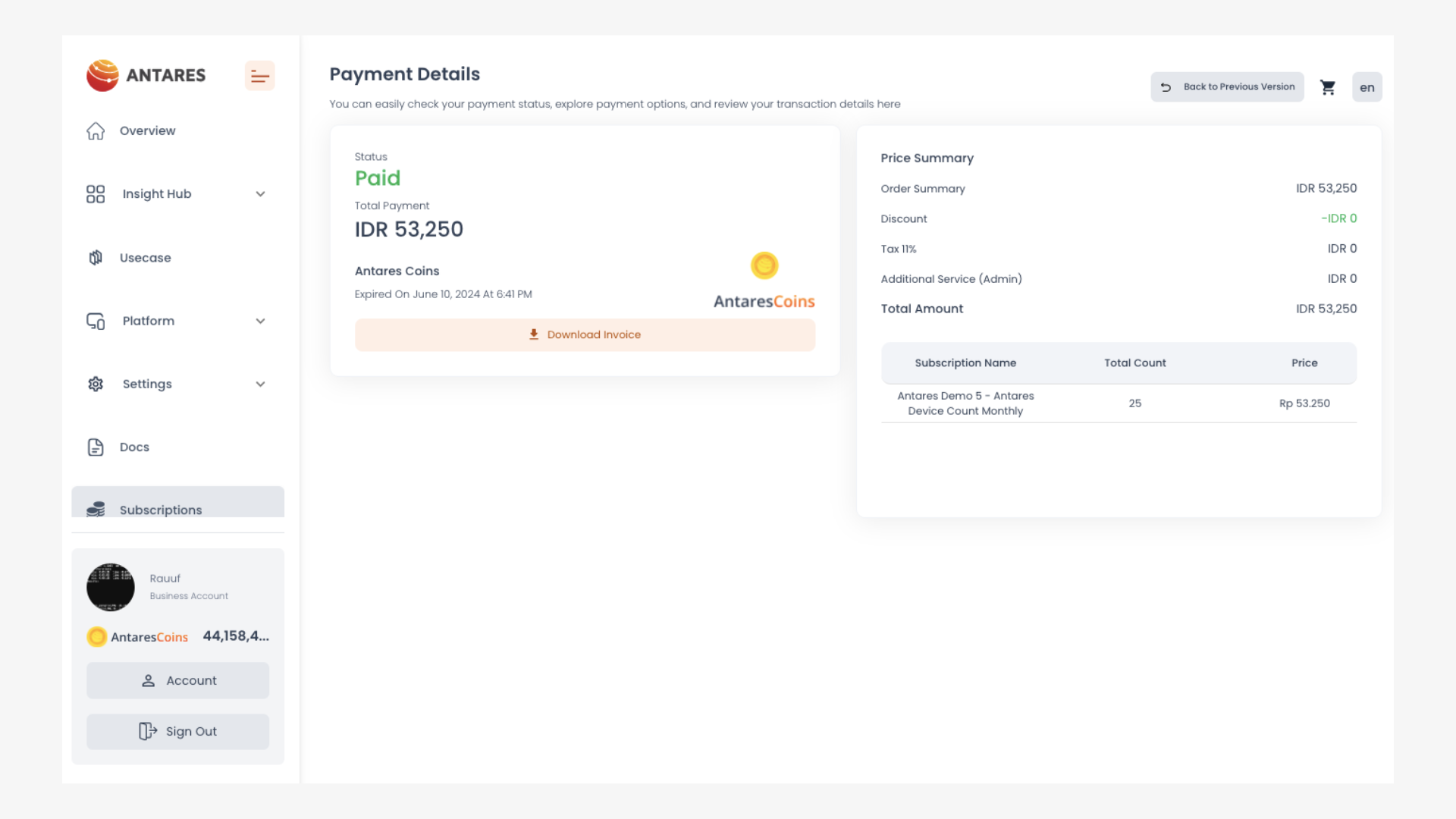
4. Transaction completed.
**The procedure for top up Antares Coins can be seen on the following page:**
{% content-ref url="/pages/BEOEe6G7gNAr2GKZepFQ" %}
[Antares Coins](/en/subscription-and-payment/antares-coins.md)
{% endcontent-ref %}