> For the complete documentation index, see [llms.txt](https://docs.antares.id/llms.txt). Markdown versions of documentation pages are available by appending `.md` to page URLs; this page is available as [Markdown](https://docs.antares.id/en/getting-started/software-installation/mqttx-installation.md).
# MQTTX Installation
## Installation Steps
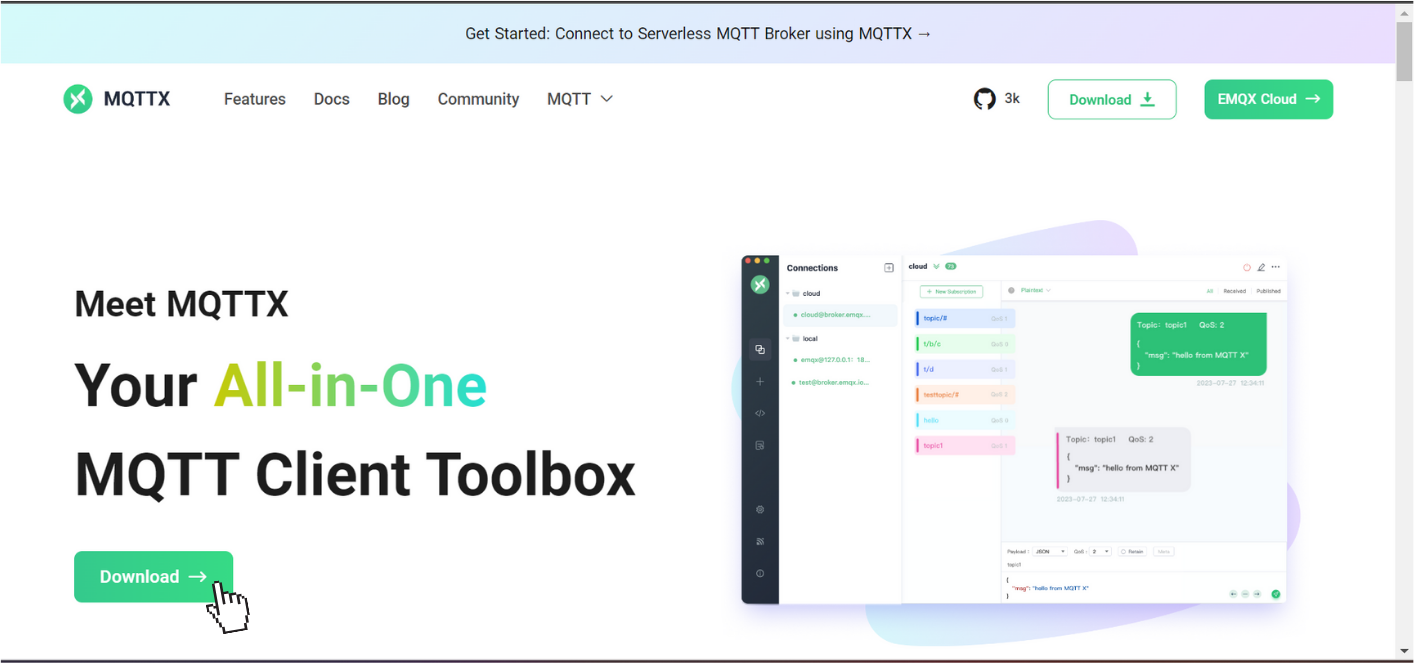
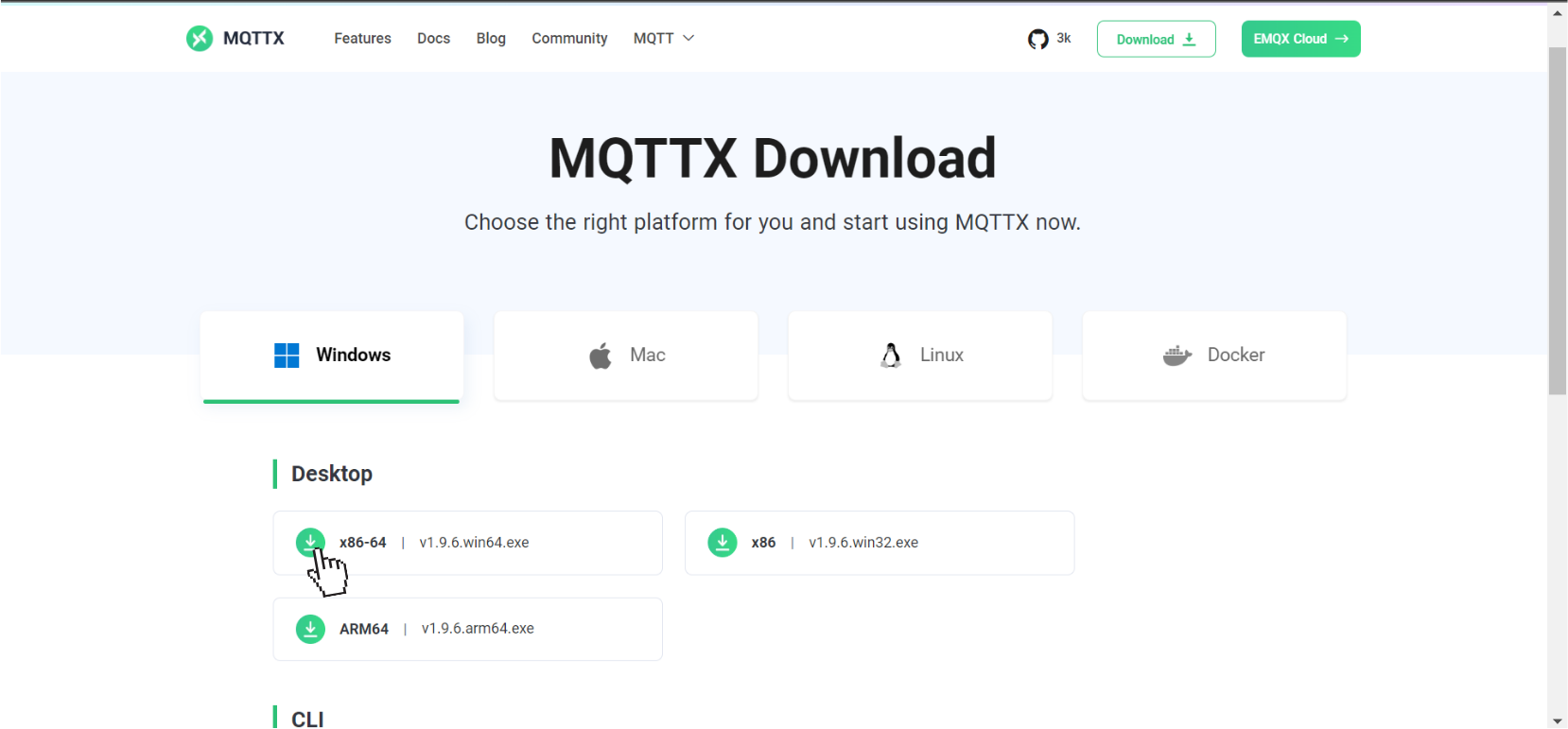
### 1. Visit the [mqttx](https://mqttx.app/) . Click [download](https://mqttx.app/downloads) to install
### 2. Select the installation package according to the Operating System used, then it will be downloaded automatically
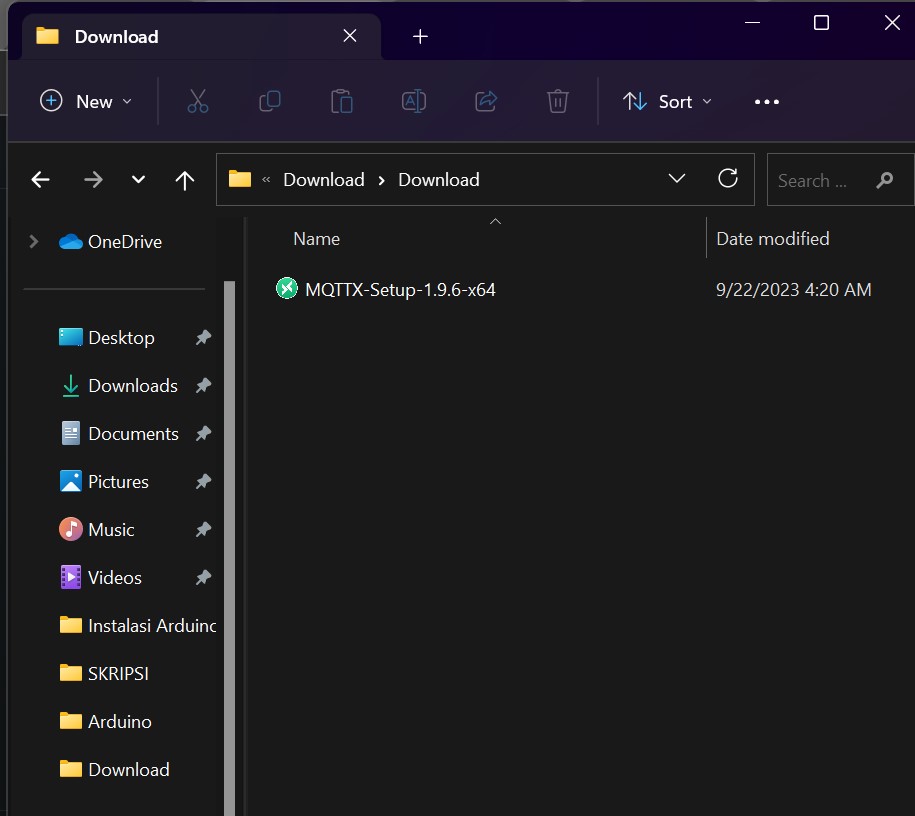
### 3.Check the installation on your device's download page
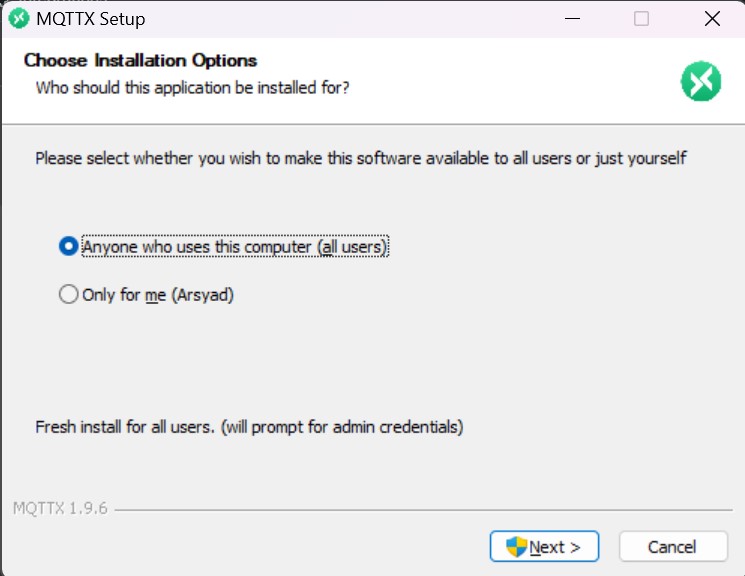
### 6. Select "Next" to continue the installation process.
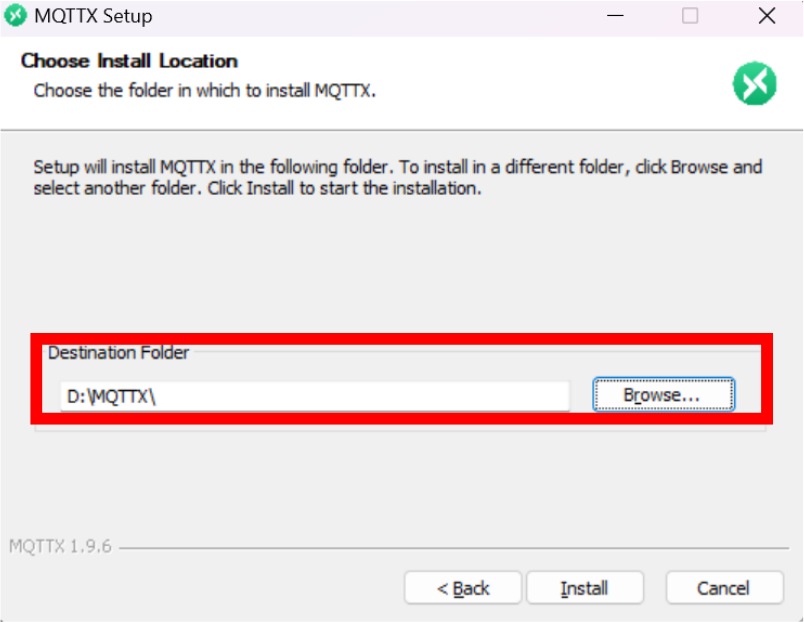
### 7. Select "Install" to continue the installation process.
{% hint style="info" %}
You can change the "Destination Folder" according to the desired installation location by clicking Browse..
{% endhint %}
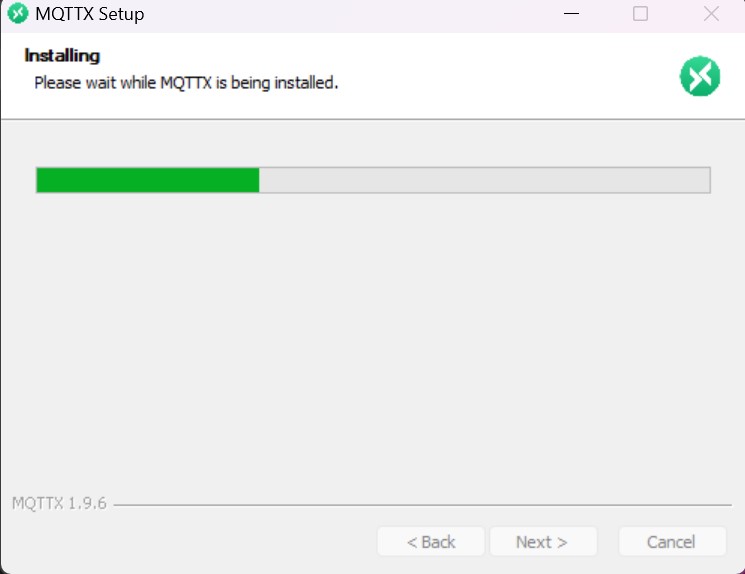
### 8. Wait for the installation process to finish.
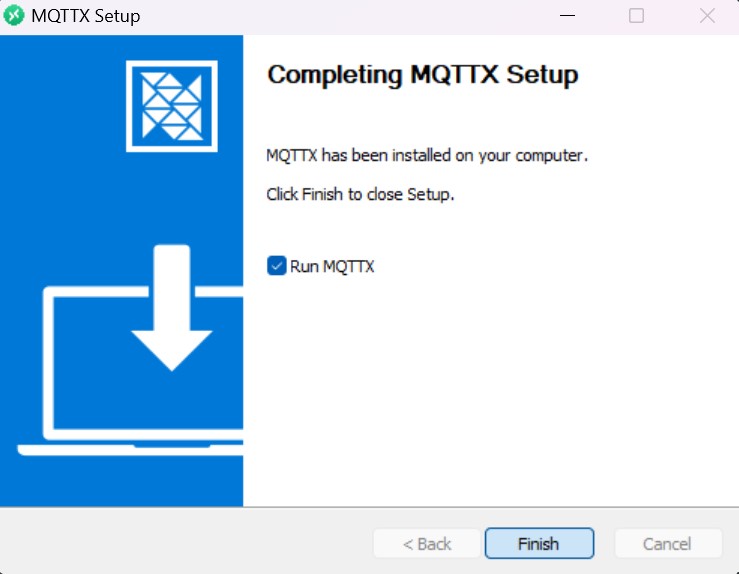
### 9. Installation complete